

Web Scraping
Python
Selenium
Web Scraping
Data Mining
Automation
Google Image Scraper
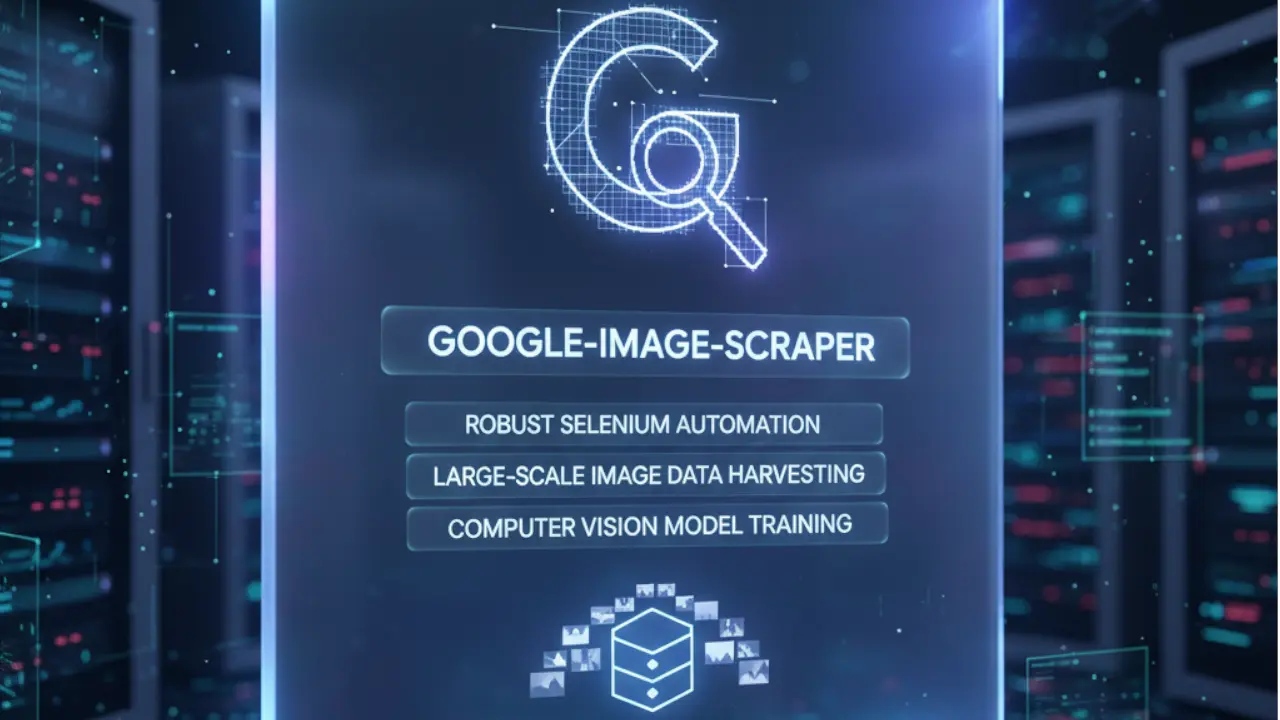
A robust Selenium-based automation tool designed to harvest large-scale, high-resolution image datasets for Computer Vision model training.
1. The Challenge
- Context: Developing Computer Vision (CV) models requires massive datasets—often thousands of labeled images per category. Manually searching, clicking, and saving images from Google is not scalable for machine learning pipelines.
- The Obstacle: Google Images is a complex Single Page Application (SPA). It uses "Lazy Loading" (images only load when you scroll), dynamic CSS class names that change frequently, and heavy JavaScript obfuscation. Furthermore, the visible thumbnails are low-resolution Base64 strings, while the high-resolution images are hidden behind interaction events (clicks).
2. The Solution Architecture
This tool, co-developed with Muhammad Mobeen, uses a headless browser automation approach to mimic human behavior.
- Navigation & Loading: The script initiates a Selenium WebDriver instance to query Google Images.
- DOM Expansion: A scrolling algorithm triggers the lazy-loading JavaScript to populate the DOM with image placeholders.
- Extraction Logic: The script iterates through thumbnails, clicks them to trigger the high-res render, and extracts the final source URL.
- Key Decisions:
- Selenium vs. Requests: We chose Selenium because
requestslibraries cannot execute the JavaScript required to load more images via infinite scroll. - CSS Selectors: We used flexible XPaths rather than rigid class names, making the scraper more resilient to Google's frequent UI updates.
- Selenium vs. Requests: We chose Selenium because
3. Implementation Highlights
A. The "Infinite Scroll" Algorithm
To scrape more than the first 50 results, the script programmatically drives the scroll bar. This snippet handles the logic of scrolling to the bottom, waiting for content to load, and detecting when the "Show More Results" button appears.
def scroll_to_bottom(driver):
    last_height = driver.execute_script("return document.body.scrollHeight")
    while True:
        # Scroll down to bottom
        driver.execute_script("window.scrollTo(0, document.body.scrollHeight);")

        # Wait for page to load (network latency buffer)
        time.sleep(1.5)

        new_height = driver.execute_script("return document.body.scrollHeight")
        if new_height == last_height:
            # Check for "Show more results" button if end of page is reached
            try:
                driver.find_element(By.CSS_SELECTOR, ".mye4qd").click()
            except:
                break # Truly reached the end
        last_height = new_height
B. High-Resolution Extraction Strategy
Clicking a thumbnail doesn't immediately yield the HD image. Google first shows a low-res preview. This logic waits specifically for the src attribute to change from a base64 string to a valid HTTP URL.
def get_actual_image(thumbnail_element):
    thumbnail_element.click()

    # Logic to find the large image that appears in the sidebar/preview pane
    # (Simplified for readability)
    actual_images = driver.find_elements(By.CSS_SELECTOR, 'img.n3VNCb')

    for img in actual_images:
        src = img.get_attribute('src')
        if src and 'http' in src:
            # If it's a real URL (not base64), we found the HD version
            return src
    return None
4. Challenges & Overcoming Roadblocks
- The Trap: The Base64 Decoy.
Google Images initially loads a Base64 encoded version of the image (a blurry placeholder) inside the
srctag while the real image downloads in the background. If you scrape too fast, your dataset ends up full of unreadable, pixelated thumbnails. - The Fix:
We implemented a Conditional Wait Logic. The script checks the headers of the image source. If the
srcstarts withdata:image, the script waits and retries. It only downloads when thesrcswitches tohttps://, ensuring we only capture the high-quality assets required for ML training.
5. Results & Impact
- Throughput: The tool allows users to scrape approximately 500–1,000 images per hour (depending on internet speed) with zero manual intervention.
- Dataset Quality: By filtering out Base64 thumbnails, the tool ensures 99% of the downloaded data is high-resolution, reducing the need for post-download data cleaning.
- Collaboration: This project was a joint engineering effort with Muhammad Mobeen, focusing on reliability and error handling in web automation.